


|
Name |
Kotatsu |
|---|---|
|
Category |
Book |
|
Developer |
KotatsuApp |
| Last version | 9.4.1 |
|
Updated |
|
|
Compatible with |
Android 5.0+ |
Introduction to Kotatsu APK
Kotatsu is a free, open-source Android manga reader app made for people who want a simple way to browse, read, and organize manga in one place. It pulls listings from a large range of online community sources, then wraps them in a clean interface that feels easy to use on both phones and tablets.
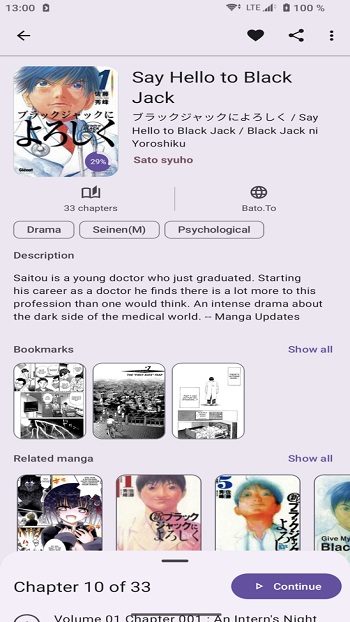
Its main purpose is to help readers find manga quickly and keep reading without hopping between sites. You can search by title, genre, and other filters, which makes it easier to narrow down a series when you already know what you want. There is also a random suggestion button for days when your reading list has gone weirdly quiet.
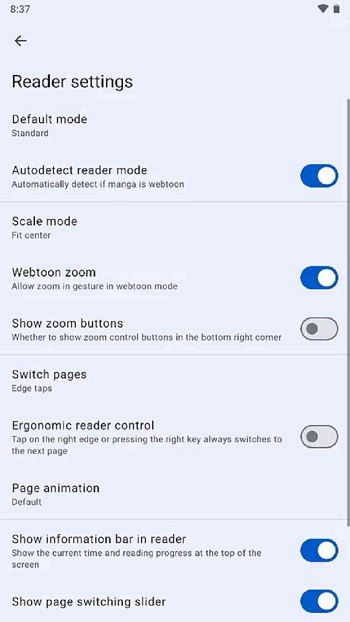
The reading tools are one of the app’s strongest parts. Kotatsu lets you change page orientation, adjust scaling, tweak contrast, and choose how pages turn. Tap controls and volume-button navigation make it easier to read one-handed, and the layout works well for both standard manga pages and long scrolling chapters.
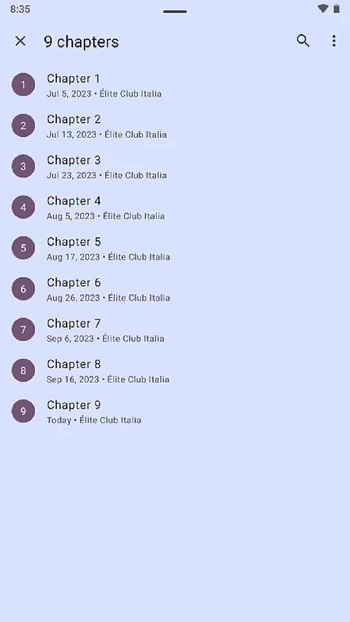
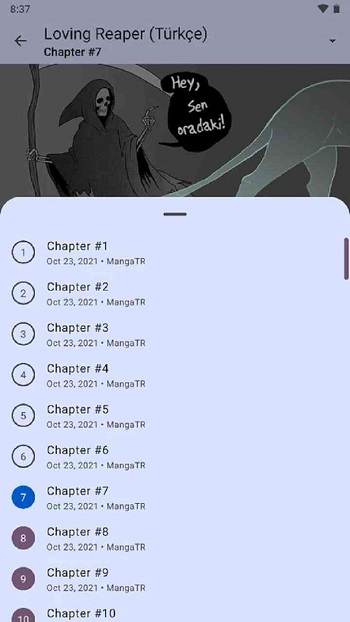
Offline reading is another big reason people use it. You can save single chapters or full series for later, which helps on flights, commutes, or patchy mobile data. The app also keeps bookmarks, reading history, and favorites organized, and it supports sync across devices plus tracking services like AniList, MyAnimeList, and Shikimori.
For everyday use, Kotatsu suits readers who want flexibility without a cluttered setup. It is handy for manga fans who read often, users with limited internet access, and anyone who likes keeping a tidy library with categories and progress tracking. Features like password or fingerprint lock also make sense on shared devices.
There are a few downsides to keep in mind. Since Kotatsu depends on external sources, availability and quality can change, and some catalogs may load slowly or stop working for a while. Downloading full series can use a lot of storage, and first-time setup may take a bit of patience if you want to sort sources, sync data, and fine-tune reader settings.
FAQs Kotatsu
What is Kotatsu used for?
+
Kotatsu is used for finding, reading, downloading, and managing manga on Android through many online sources in one app.
Can Kotatsu read manga offline?
+
Yes. You can download individual chapters or full series, then read them later without an internet connection.
Does Kotatsu host manga on its own servers?
+
Kotatsu works as a reader and source aggregator. It does not store manga itself, so the available content depends on external catalogs.
Who should use Kotatsu?
+
It fits Android users who read manga often, want offline access, like organizing favorites, or need flexible reader controls on phones and tablets.
What are the main drawbacks of Kotatsu?
+
Source quality can vary, some catalogs may stop working temporarily, full-series downloads can take a lot of storage, and setup may feel a bit busy at first.
Discover More Interesting Apps


Share Your Thoughts